It’s the night before your launch. The offer is ready. The content is ready. You’ve told people it’s coming…
And now you’re wondering: will the checkout work? Will buyers get access? Did that email actually send?
Let’s face it, the tech is often the bit nobody wants to look at. But launches tend to wobble in the same handful of places, and every one of them can be checked in advance. You don’t need to become a software wizard overnight. You just need a clear countdown and a few proper tests.
Here’s the launch checklist we run through with clients to help launch day feel calm, not chaotic.
A launch is a chain of hand-offs
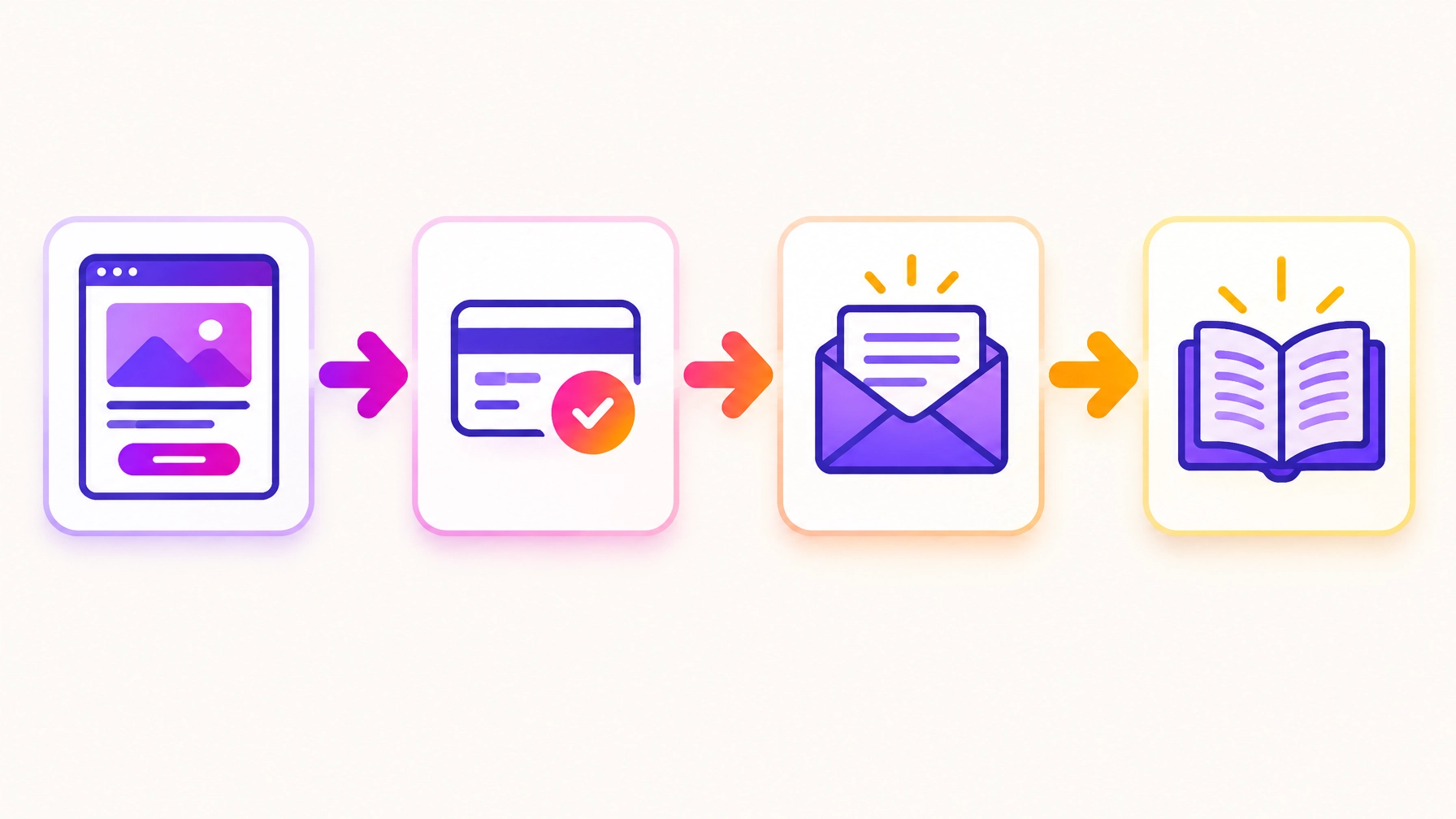
A launch isn’t just one page going live. It’s a series of small hand-offs: someone sees your offer, clicks through to checkout, pays, receives an email, finds their way in and knows what to do next.
If one link in that chain is unclear, your buyer may get stuck. That’s why a course platform setup or membership site setup needs more than a quick glance at the homepage. You want to check the whole journey from the buyer’s point of view.
Roughly two weeks out: make the basics clear
Two weeks out is a good time to look at the offer as a buyer would. Is it clear what you’re buying, what happens after you pay, and where to go for help?
-
1. Check the offer page. Make sure one clear page explains the promise, price, dates or access period, and exactly what’s included. If people have to piece the details together from different posts, tidy that up now.
-
2. Put your terms where buyers can see them. Show refund, cancellation and access-length terms before payment, then link to them again in the confirmation email. UK distance-selling rules can give buyers a cancellation window, and digital access starting straight away can work differently. Keep your policy clear and get it checked for your situation.
-
3. Give people a way to share what they need. A short pre-launch quiz can help grow your waitlist while showing you what potential buyers are stuck on. A tool such as ScoreApp can help you gather those answers and learn what to address in your launch messages.
-
4. Plan for the “what if?” moment. Write down who does what if something breaks, what can be paused, and where the emergency logins are stored securely. Knowing the plan exists is calming magic all by itself.

One week out: test the buyer journey
Now it’s time to stop assuming everything works and actually walk through the experience. Do it as a new customer, not while logged in as the admin.
-
5. Test checkout on a phone. Make a real test purchase with a card, then refund it. Check the price, payment details and next step on mobile, not just desktop. A real end-to-end test can reveal snags a preview misses.
-
6. Check the receipt and confirmation emails. Trigger them yourself and make sure they arrive in an inbox, not spam. Read them as a buyer: are the payment details right, are the links working, and is the next step clear?
-
7. Confirm that access arrives straight away. After payment, a new buyer should receive clear login or access details, plus a simple “start here” instruction. Test the link and first step using a new customer account.
-
8. Check your email list is split properly. Leads and buyers shouldn’t be treated as one group. Confirm that people who have paid stop receiving “doors are open” emails. Before the cart opens, a short survey or scored quiz can also help you segment your list so follow-up emails speak to different needs. ScoreApp can be used to gather those answers.
-
9. Load the cart-open emails. Write and schedule the sequence in your email system, rather than leaving drafts in a notes app. Check the links, timings and audience. Reliable email marketing setup means you’re not scrambling to send every message manually.
48 hours out: polish the welcome, not every lesson
This is the moment to focus on the first experience your buyers will actually have. You don’t need every future detail to be perfect before you open the doors. You do need people to know where to begin.
-
10. Publish and polish the welcome area or first module. Make sure the opening content works and feels welcoming. You can build and refine later modules as you go, rather than holding up the launch while you try to finish everything at once.
-
11. Prepare the buyer welcome sequence. Write a short run of messages that tells new members where to start, what to do first and where to ask for help. This is one of those automated workflows for business that can make a new buyer feel looked after without adding another job to your day.
-
12. Set a real cart-close deadline. Write the closing emails around a deadline you genuinely plan to honour. Check that the close time is clear and consistent everywhere. If the deadline is real, your buyers can make a confident decision and you can stand behind your message.
-
13. Put your tracking in place. Use tagged links in your launch emails and posts, and set one clear goal in your analytics. Then you can see visits, sign-ups and purchases in one place, and you’ll know which message actually sent people to the page. Without it, you’re guessing.
-
14. Name the person who answers the questions. Decide who replies during launch week, on which channel and how quickly. Write a shared document with your five most likely questions and ready-made answers, so everyone replies in the same warm, clear voice.
Could your audience use a little help checking their own plans, too? A launch-readiness self-assessment quiz can help them spot what they still need to prepare, while giving you a useful way to start conversations. You could build one with ScoreApp.

Launch day: follow the run sheet
Launch day is not the time to rebuild your whole setup because you’ve spotted a tiny detail you could improve. You’ve tested the important things. Now follow your plan, keep an eye on the journey and make changes only when they’re needed.
In the first hour
Open the sales page on your phone and desktop. Click the checkout button. Check that your scheduled email has sent to the right group and that the links take people to the right place. If you can, make one more purchase test and confirm the buyer journey still works.
During the day
Keep an eye on incoming questions and payment notifications. Reply warmly, and quickly, and jot down anything that comes up more than once. Those repeated questions are your next round of fixes, not a crisis.
That’s one small piece of useful tech support for entrepreneurs: not more complicated tools, just the right person and a clear next step.
What to leave alone
Don’t keep changing prices, pages or emails just because you’re feeling launch-day nerves. If the essentials work, let them work. Keep a note of anything that can wait until after the launch, and save your energy for the people who are saying yes.
Three days after: close the loop
The doors may be open or closed, but your work isn’t quite done. A little follow-up now can make the next launch smoother and help your new buyers feel supported.
- Switch off emails and reminders that should stop now the cart has closed. Double-check that buyers aren’t still receiving messages meant for leads.
- Look at the numbers that matter: sign-ups, conversion, refunds and first-week engagement. Tagged links and one clear goal in your analytics help you see which emails and posts actually brought people to the page.
- Ask buyers one simple question: what nearly stopped you from buying? A short post-launch feedback quiz using ScoreApp can collect useful answers without turning feedback into a big project.
- Gather a few kind words from happy customers, with their permission. Those first impressions can become useful proof for your next launch.

A launch-readiness process doesn’t need to be a giant spreadsheet or a week of late nights. It’s a practical way to spot the gaps while there’s still time to fix them. And if you discover something that needs a little more digital marketing tech help, you don’t have to wrestle with it alone.
Want us to run the launch checks with you?
At IT Moon, we can take on your course, membership or service launch as a project, bringing together the technical and strategic support to get it ready to go. From course platform setup and customer emails to the small details that connect your pages, payments and access, we’ll help turn a pile of moving parts into a launch you can feel good about.
Need just a few specific things checked? Our hands-on Power Hour is ideal for focused fixes, and our Monthly support gives you ongoing help when you want things handled quickly. We offer marketing automation services and small business tech support that fit around your real launch, not a one-size-fits-all checklist.
Explore our services or get in touch and tell us what’s coming up. Let’s get your launch ready, calmly and properly!
Your next launch, without the last-minute scramble
Your launch deserves more than crossed fingers and a late-night test. Work through this checklist, give yourself enough time to test the hand-offs, and keep the first steps clear for every buyer.
You’ve got a plan. You’ve got a checklist. And you’ve got a team of tech wizards in your corner if you need us.