A quiz can attract a lovely bunch of new leads. But what happens after someone clicks “see my results”?
If every person receives the same page and the same string of emails, you’re missing the real magic. A well-built quiz funnel uses answers to understand what each lead needs, then guides them towards a relevant next step.
Let’s break down the mechanics: scoring, segments, results pages and automated follow-up that actually feels personal.
First, decide what your score should tell you
Scoring isn’t just about giving someone a number. It’s about helping you decide what to show them next.
Imagine you’re a coach offering support to business owners who want to grow their email lists. Your quiz might assess two things:
- Readiness: Are they looking for support soon, or just exploring?
- Main challenge: Is their biggest gap strategy, setup or consistent follow-up?
Those answers give you more useful information than a single “overall score” alone. Someone could be very ready to invest, but need help with strategy. Another person could be technically confident, but not ready to buy.
That distinction is where thoughtful segmentation starts.
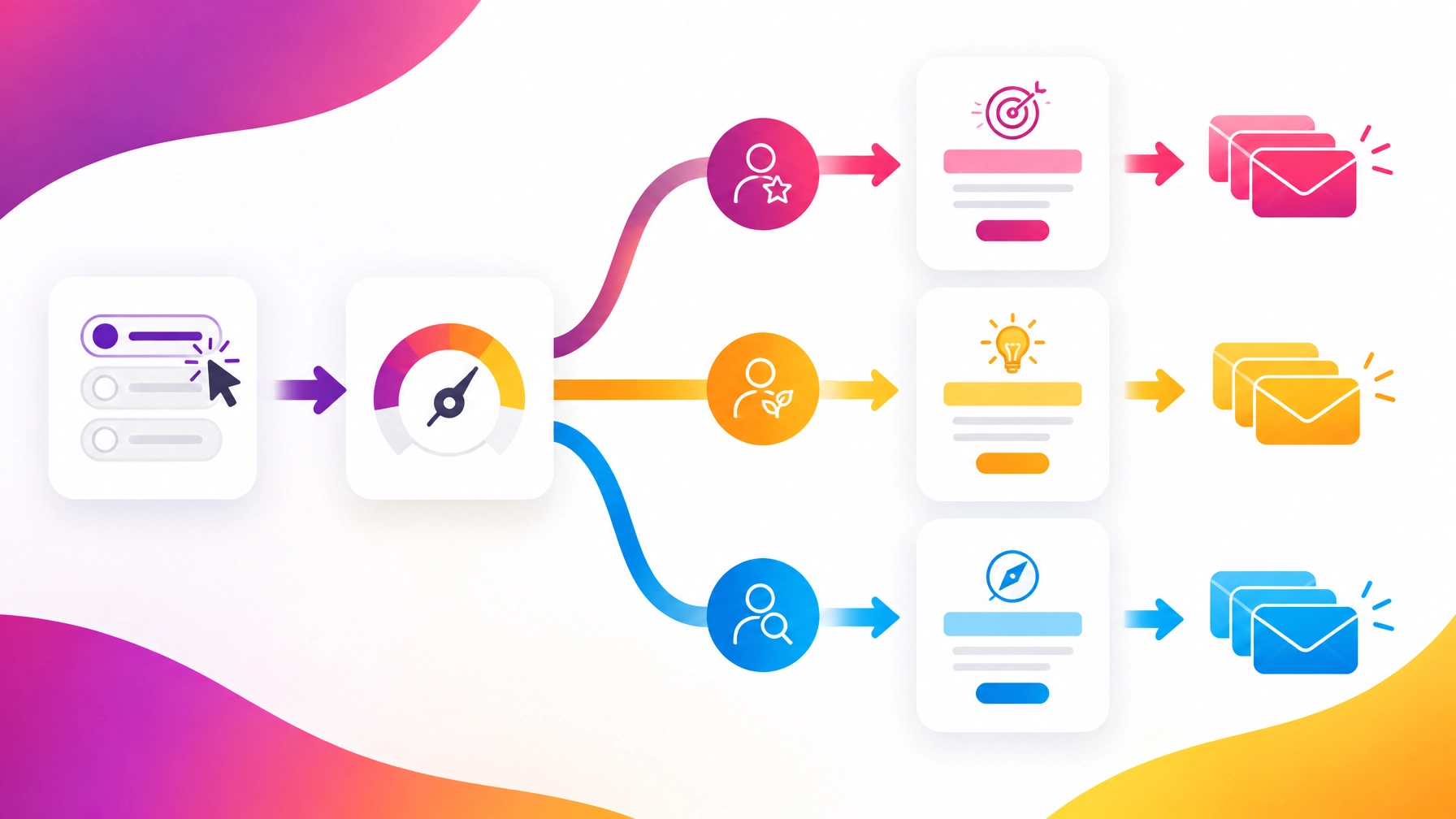
Keep the scoring logic clear
A simple model is easier to build, explain and test. Start with a small number of outcomes, perhaps three readiness bands:
- Ready for support: Strong intent and a clear, current need.
- Building momentum: Knows there’s a gap, but still needs guidance.
- Getting started: Needs foundational advice before considering an offer.
You can assign points to answers that signal readiness, then set sensible score ranges for each band. For example, if four questions each score from zero to two, a simple model could be:
- 0 to 2 points: Getting started
- 3 to 5 points: Building momentum
- 6 to 8 points: Ready for support
Those ranges are just an example, not a magic formula! The right thresholds depend on your questions and audience.
If you also want to identify someone’s main challenge, track that separately. Answers about strategy can add to a “strategy” category; answers about tools can add to a “setup” category. At the end, use the strongest category to personalize the result.
A tool such as ScoreApp supports scoring and personalized results, so you can turn responses into useful segments rather than leaving them as a pile of form answers.
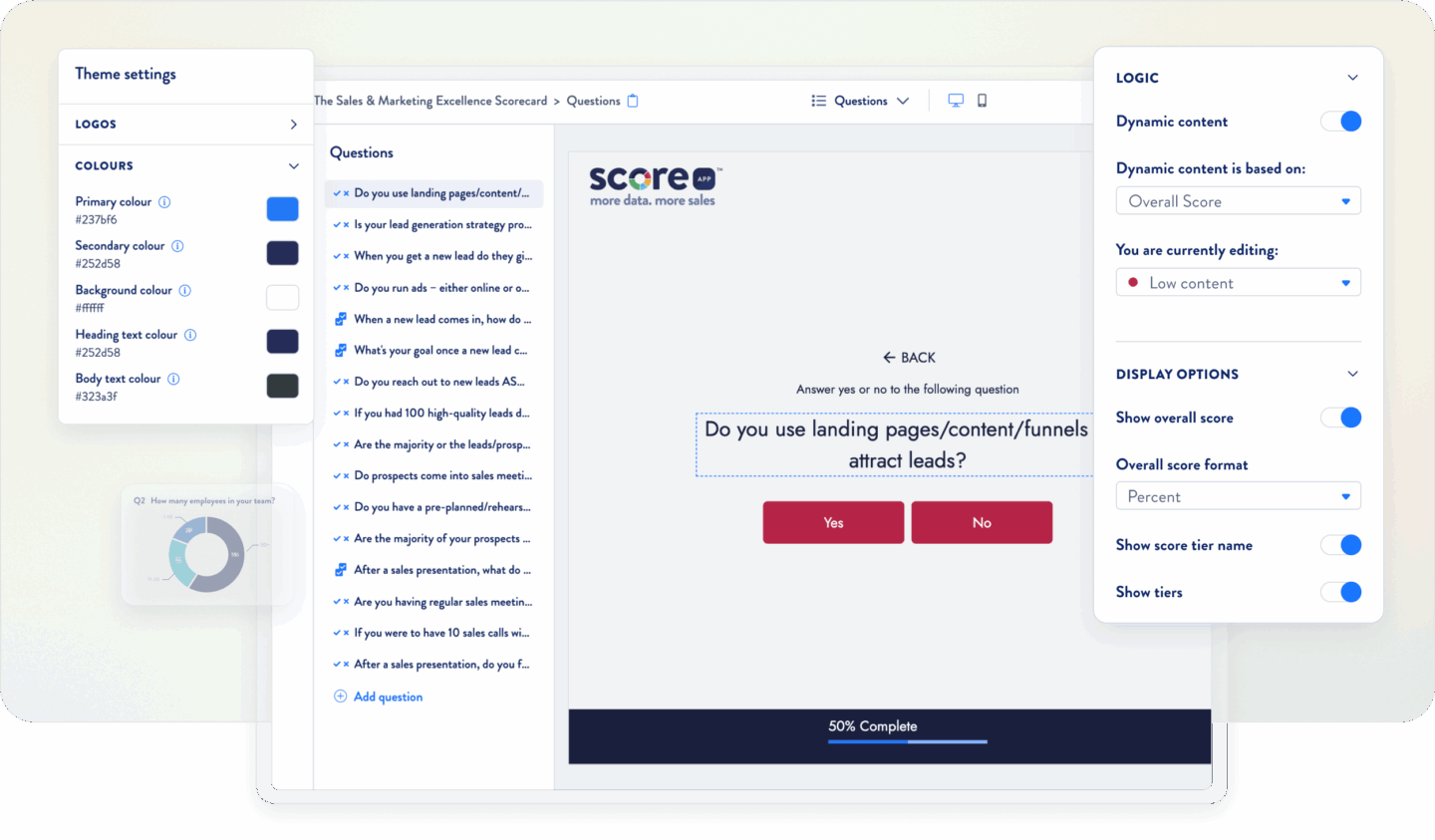
An example of a quiz builder view. Your own question and scoring setup will depend on your funnel.
Make the result predictable
Before you build, write down what each answer does. A simple table is enough:
| Answer suggests… | Score or category | Possible next step |
|---|---|---|
| “I want to solve this now” | Higher readiness | Invite them to book a call |
| “I’m comparing my options” | Medium readiness | Share guidance and an example |
| “I’m just beginning” | Earlier stage | Offer a useful beginner resource |
Then test what happens at the minimum and maximum scores, as well as with combinations of answers that might seem contradictory. If you can’t easily predict the result, your scoring may be too complicated.
Build a results page that gives value
The result page shouldn’t just announce a score and wave goodbye. It’s the first follow-up to the quiz, and a chance to show that you’ve understood the person behind the answers.
A helpful results page should:
- Name their result in clear, encouraging language.
- Explain what it means without jargon or judgement.
- Reflect their answers, especially their main challenge.
- Offer one useful next step that fits their readiness.
For example, a “Getting started” lead might see a short checklist and an invitation to explore a free resource. A “Ready for support” lead could see an option to book a conversation. The point isn’t to push everyone towards the same offer. It’s to make the next step feel like it was chosen for them.
Some quiz platforms, including ScoreApp, offer personalized results pages and score tiers. Keep the page focused: explain the result, give a little practical value, then make your main call to action easy to spot.
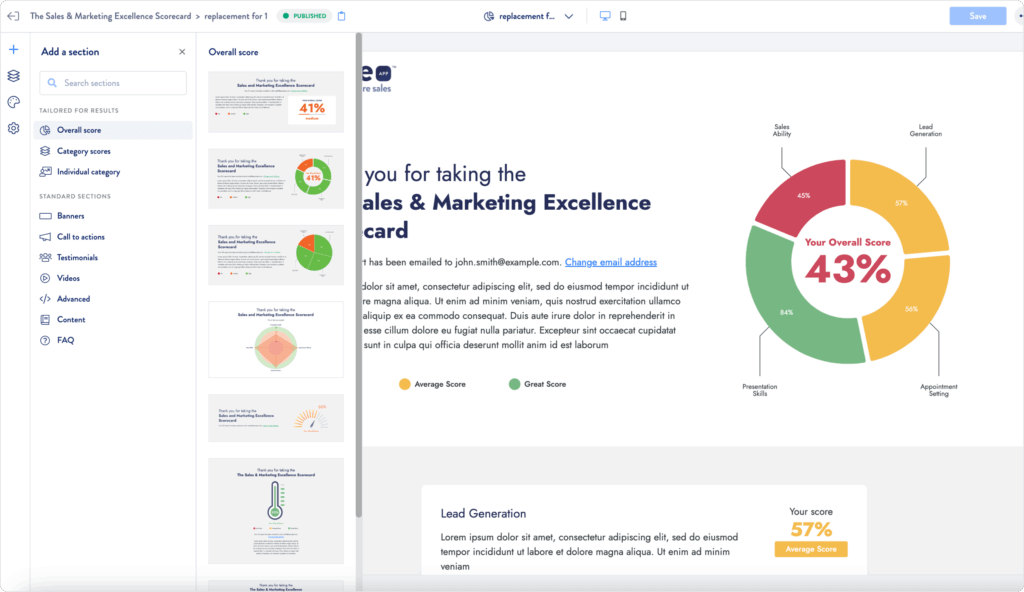
Clear visuals can help someone understand their result quickly, especially when paired with a useful explanation.
Send follow-up that matches the segment
Now for the part that turns a quiz into a proper funnel: the emails.
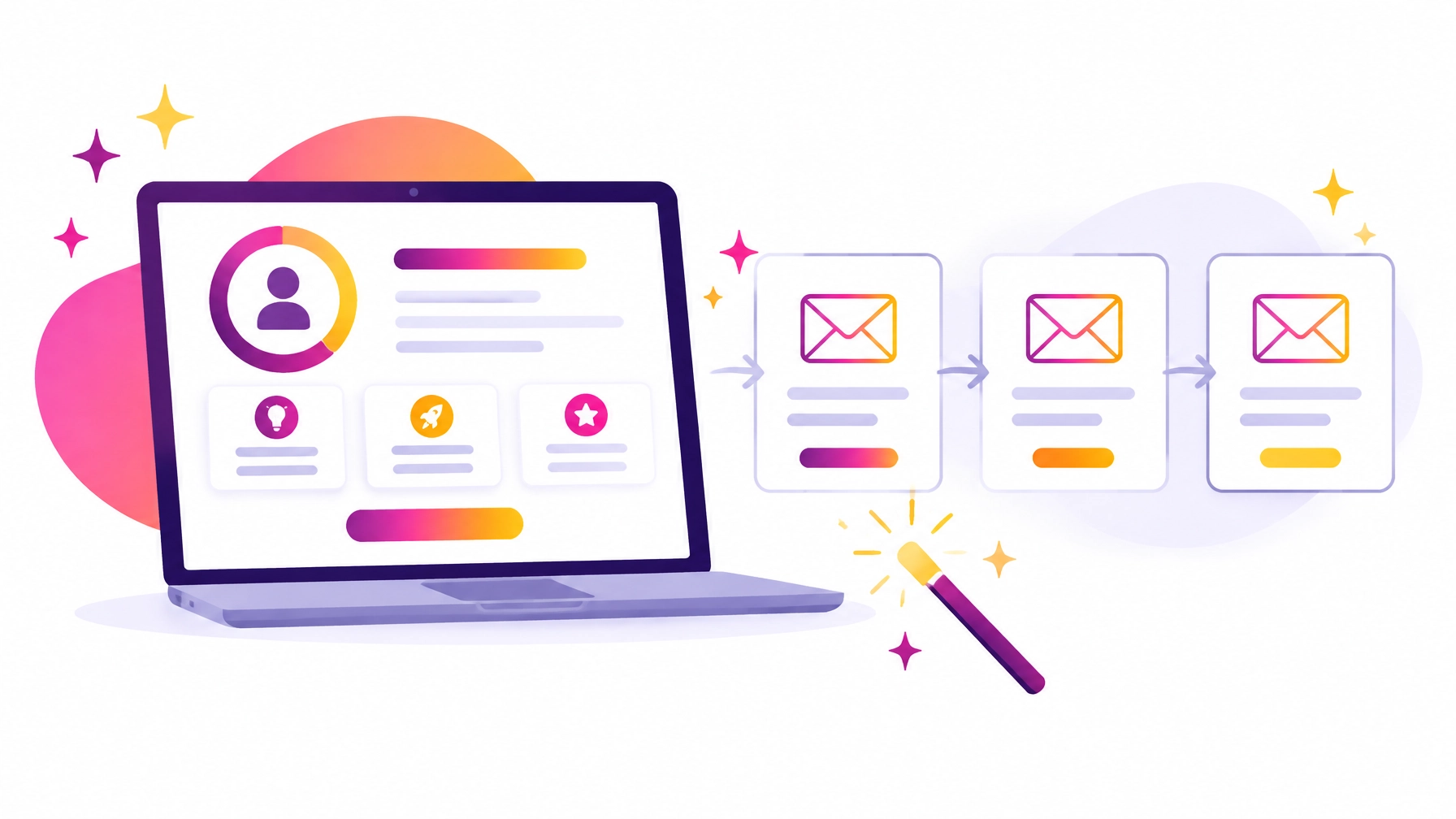
Your first message should deliver the promised result, remind the person what their result means and make it easy to return to their recommendations. After that, create a sequence for each segment.
Here’s a simple example:
Ready for support
- Email 1: Their result, with a link to book a call.
- Email 2: A useful tip related to their main challenge.
- Email 3: A short example of how you help with that challenge.
- Email 4: A friendly invitation to discuss their next step.
Building momentum
- Email 1: Their result and one practical action to try.
- Email 2: A common sticking point, explained simply.
- Email 3: A relevant case example, guide or workshop.
- Email 4: An invitation to explore your service when they’re ready.
Getting started
- Email 1: Their result and a beginner-friendly resource.
- Email 2: A small action they can take this week.
- Email 3: More guidance that builds confidence.
- Email 4: A gentle introduction to further support.
The key is that each message follows naturally from the result. You’re not sending a generic “buy now” sequence to someone who’s only just figuring out the problem.
Connect your quiz to the rest of your systems
For automated workflows for business, your quiz data needs to travel to the right places. That could mean adding a result tag to a contact, starting the correct email sequence, or sending a notification when someone is ready for a conversation.
A quiz platform such as ScoreApp offers integrations with email and CRM tools, as well as Zapier connections. The exact setup depends on the tools you use, so map out what information needs to move before you connect everything.
At a minimum, decide how you’ll pass along:
- The person’s score or result band
- Their main challenge or category
- Their quiz completion date
- The right email sequence to start
Also decide what should not happen. For example, make sure someone isn’t added to multiple overlapping sequences, and only send marketing emails when you have the appropriate permission.
This is where a few careful checks save a lot of head-scratching later. Test the entire journey from quiz completion to result page to first email. Check every segment, every link and every “what if?” branch.
Measure the journey, not just the quiz
Quiz completions are useful, but they aren’t the whole story. Keep an eye on where people drop off and what happens after they receive their results.
Useful things to review include:
- How many visitors start and finish the quiz?
- Which result segments are most common?
- Do people click the main result-page call to action?
- Are the follow-up emails getting clicks and replies?
- Which segments book calls or buy?
If one segment gets plenty of quiz completions but rarely takes the next step, look at its result page and emails. Is the offer relevant? Is the next step clear? Does the sequence answer the questions that segment is likely to have?
That’s the lovely thing about a quiz funnel: it gives you information you can use to make the experience better over time.
Want to make the tech part easier?
Scoring rules, tags, results pages and email sequences can feel like a lot when you’re building them all at once. But you don’t have to figure it out alone.
At IT Moon, our services include lead magnet creation, email marketing and hands-on tech support for entrepreneurs. We can help you connect the pieces, build your automated workflows and get your quiz funnel ready to welcome the right leads.
Ready to turn quiz answers into a more personal customer journey? Get in touch with us and let’s make some funnel magic!